I’m little late to installing the Visual Studio 2008 Service Pack 1. Part of the problem is that the Microsoft Update process never told me that there was an update available.
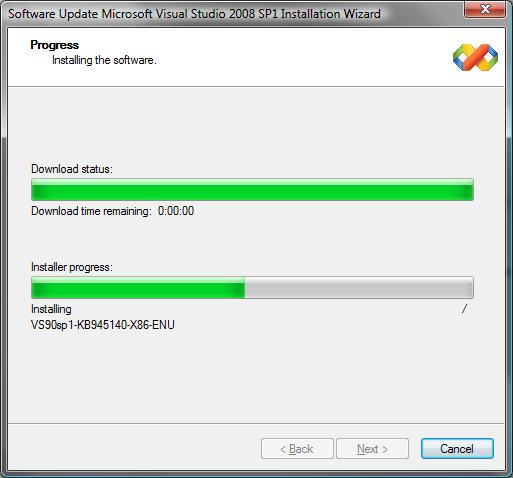
But while the update was running I noticed that the progress dialog left a little bit to be desired.
Upgrade Progress
So what’s wrong with the dialog? The progress dialog was kind enough to tell me how much time was remaining with the download progress. It wasn’t kind enough to tell me how much time was estimated to remain on the actual installation. That’s a useful piece of information, particularly when you are in the middle of the workday.
As painful as it is, I’ve decided that it’s time to say “Good-bye” to Dungeons & Dragons Online and to all of my friends and characters in Stormreach – Sarlona.
Now that you’ve pulled your jaws and tongues back up from the floor, I’m sure you are asking “Why?” My decision doesn’t have anything to do with the game; I love it. Nor does it have anything to do with the recent extended outage due to the DDO datacenter move. Creating a believable world, writing the software to bring it to life, and provisioning all of the equipment to support it is challenging. Turbine has done a decent job.
It’s very simple, really. I’ve been in a lot of pain for the last six months or so. My shoulder and arm all the way down through the fingers have been in a dull ache much of the time and very sharp pains frequently as well. The medical eval rated the pain at a 6 on a scale of 1 to 10 with 1 being no pain and 10 being “OMG! Can I have a shot of morphine now?” It’s distracting, difficult to concentrate, and disruptive to sleep paterns.
Wow! Sleep! Now that’s something that has been sacrificed a lot for the survival of Stormreach.
But DDO isn’t the sole contributor: Work certainly (software developer). Commuting. Other hobbies. Everything I like to do contributes in some little way to the problem.
As I’ve worked my way through physical therapy and limited the amount of time I spend in the exciting town of Stormreach, I find that the pain is less … some days even non-existent.
The best solution is to put Chandeth’s swords down, hang up Tyji’s wands, and put Confused’s fingers in his pockets where he can’t reach the bat guano.
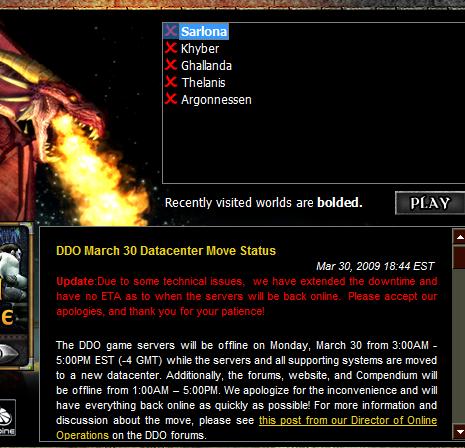
It’s been 24 hours since Turbine started moving their datacenter that hosts Dungeons & Dragons Online. It isn’t going well. The move was originally planned to last about 14 hours.
Outage Update
Having been through a couple of these with my company, albeit with smaller groups of servers and less complicated server configurations, I know that these never go well. Something unexpected always happens, resulting in one or more key systems being offline. In our industry we can move on the weekend with the least impact to our customers. Not so with DDO; a weekday move is/was their best option. The only truly reliable way for a relatively small company to make a move like this is to clone the datacenter to the new location and flip a switch to change the routing when everything is done and tested.
Hopefully DDO will be back up and running full force by Wednesday … which is when I can play again.
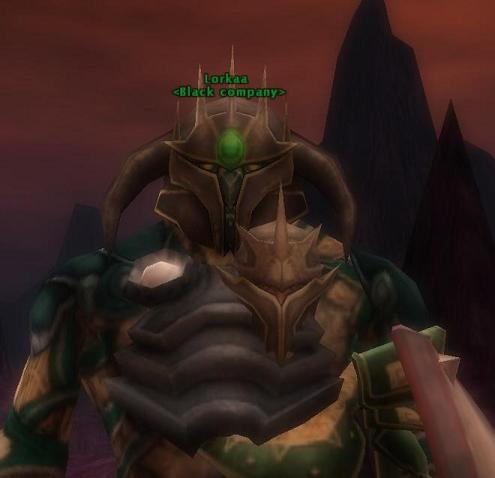
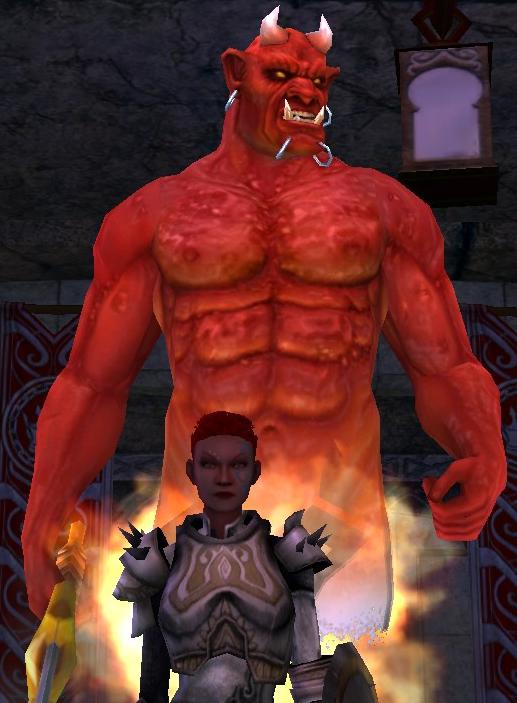
I just found another of my favorite pictures. Lorkaa with a Tyji Fireborn growth on her chest.
Lorkaa w/Tyji Growth
I was cleaning up some old files and ran across that shot. I recall making it and the effort it took to get Tyji in there just right … what with Lorkaa moving about … I think we were getting ready to go into the Reaver.
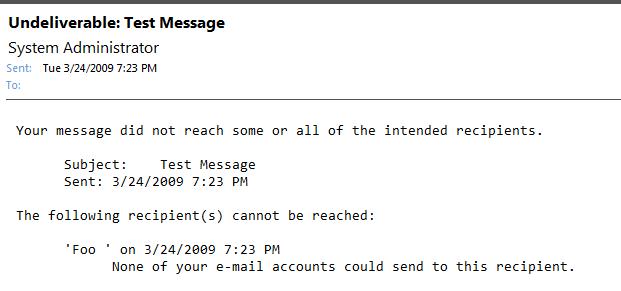
I was trying to send an email to a new contact today and got the strange message shown below from Microsoft Outlook 2007 as soon as I clicked “Send.”
Rejected Email
Searching online for “None of your e-mail accounts could send to this recipient” wasn’t really helpful. Many of the responses suggested that my email accounts weren’t configured correctly. Others suggested that the problem was with my ISP.
One suggested that the email type of the recipient was “wrong.” I wasn’t really certain how that could be as the email address had been copied exactly from the forwarded email.
With some experimenting, I was able to reproduce the steps that caused the problem.
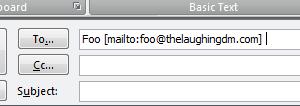
Step 1 – Copy the address as seen in the forwarded email and paste it into a new email.
Pasted Address
Step 2 – Click the “Check Names” button to have Outlook convert it to an email address.
Check Names
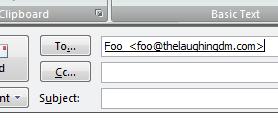
Outlook should have transformed the email address into something like what’s shown next.
After Name is "Checked"
Step 3 – Complete the email and click “Send” to send the message. You should immediately receive the message shown at the beginning of this posting.
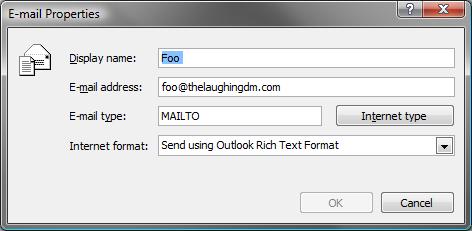
What Outlook has done is “helpfully” set the email address type. Where’s that? Right click on the address and select “Outlook Properties” to display the properties for the email address.
Email Address Properties (Wrong)
The “problem” field is “E-mail type.” Outlook has set it to the custom type of “MAILTO” which it pulled from the address when it was pasted into the new email.
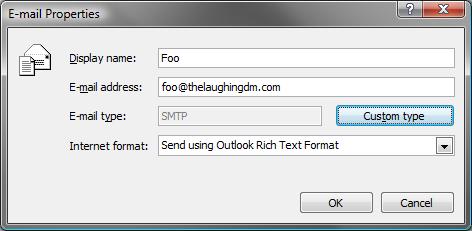
Click the “Internet type” button to change it to “SMTP.”
Email Address Type (Correct)
Once that’s done, the email will send normally to the intended recipient.
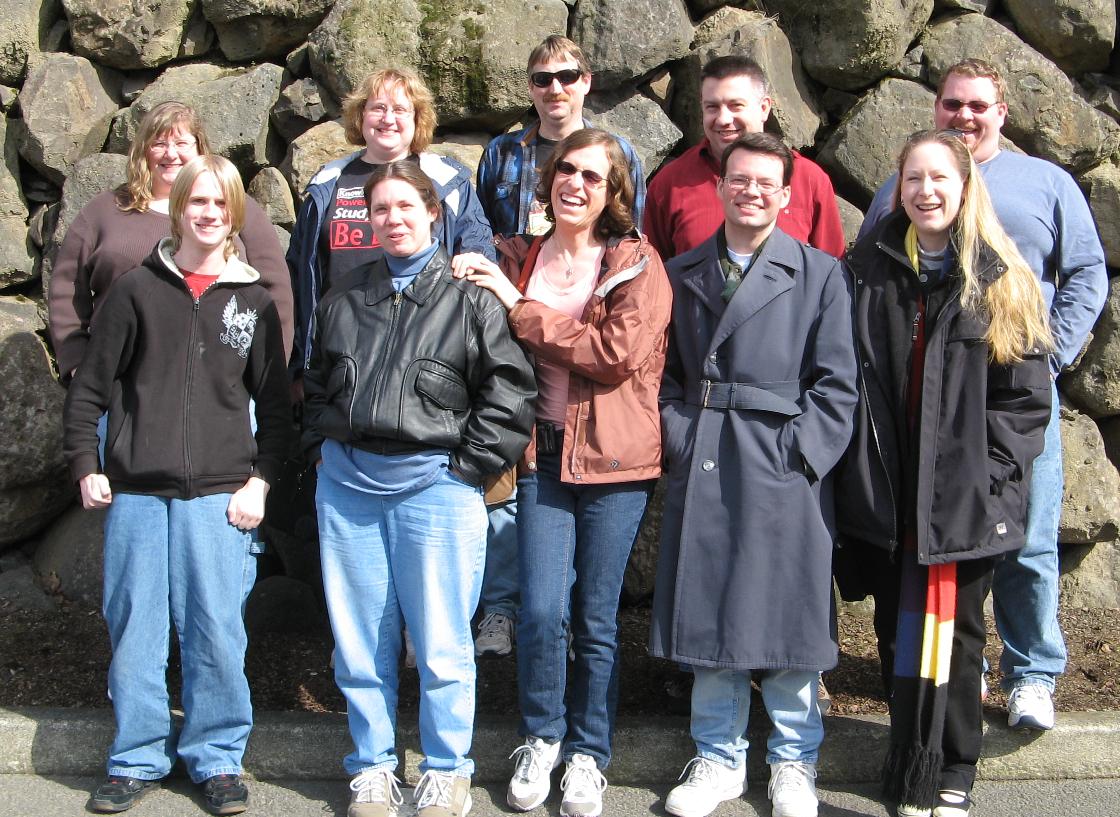
The Black Company from Dungeons & Dragons Online (DDO) Sarlona gathered for lunch today at Sweet Tomatoes in Tigard, Oregon today. Most of the Black Company is concentrated in the Pacific Northwest ranging from Longview WA, to Albany, OR. We had a couple of visitors from New Jersey, prompting the gathering. Unfortunately, not every one could make the gathering.
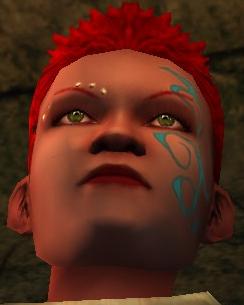
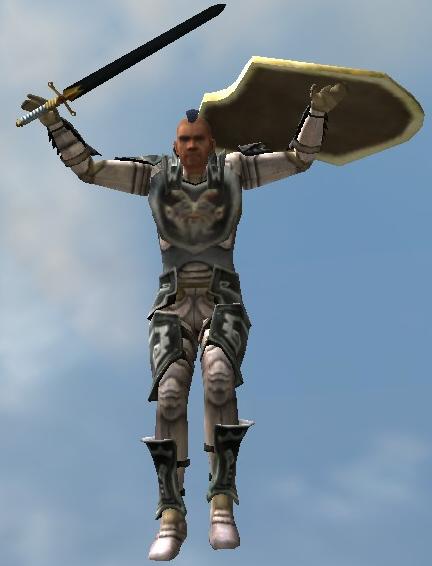
I’ve been playing DDO for three years now. So, it seemed like a good time to post pictures of some of my favor characters. These characters run in The Black Company on Sarlona. Chandeth is the first character I created and he found the guild.
Chandeth Mug Shot
Tyji Fireborn is a cleric. She’s actually my favorite character to play.
Tyji Mug Shot
“Dropping” in from the Vault of Night (also know as the Dragon Raid).
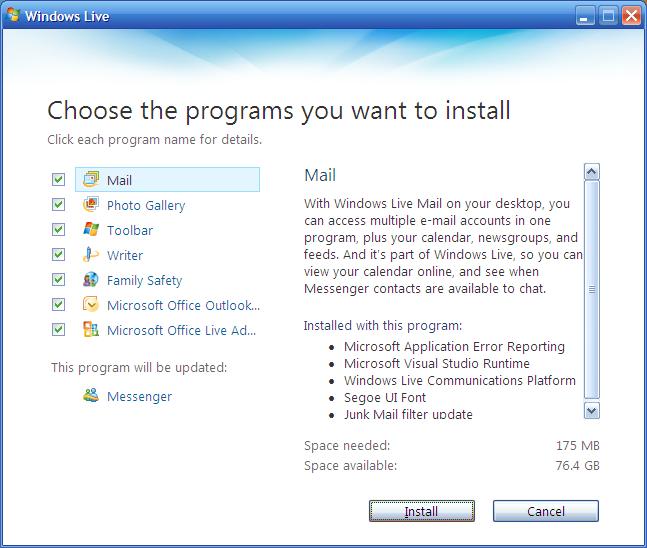
Today Windows Live Messenger prompted me for an upgrade. I hadn’t done it in a while, so I thought it might be a good idea. I expected that Microsoft would include some sort of “free toolbar.” I was a little surprised by how they did it this time. You can see from the screenshot that there is this nify “Toolbar” check box.
Live Messenger Upgrade
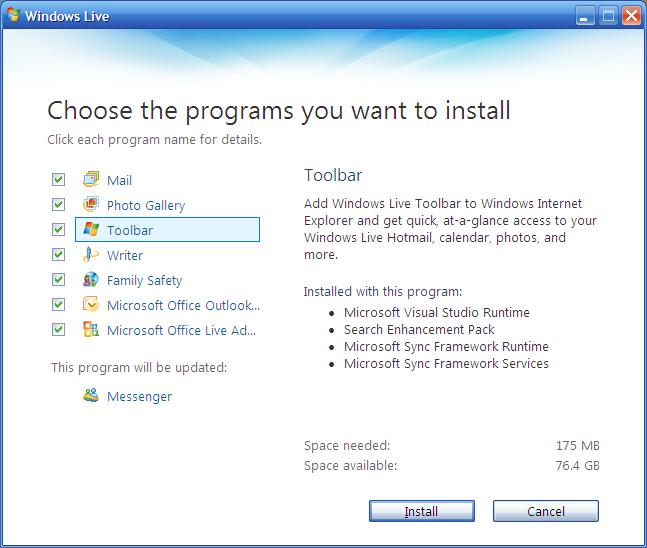
When you select it right side of the installation dialog changes to provide “details” as to what it is all about.
Toolbar Details
Really, reasonably innocuous. However, if you notice in the “Installed with this program” list entries for the Microsoft Sync Framework Runtime and the Microsoft Sync Framework Services. What exactly are these things and why does a browser toolbar need them? Checking out Microsoft, doesn’t really reveal much about what these services do and why they need to be associated with a browser toolbar (http://msdn.microsoft.com/en-us/sync/bb887625.aspx#).
I think this time I’m going to go ahead and allow the toolbar to be installed.
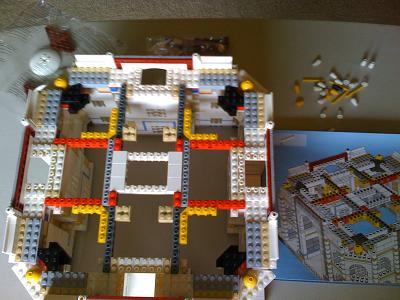
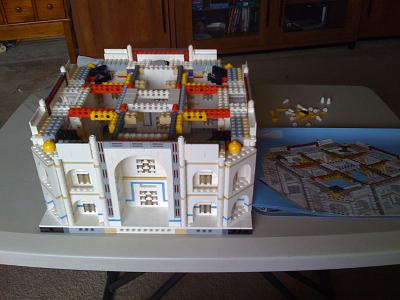
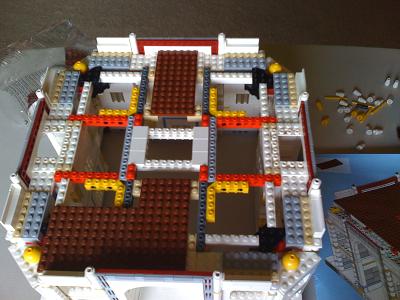
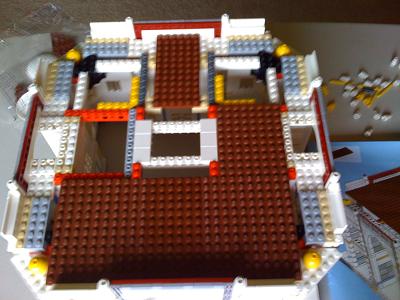
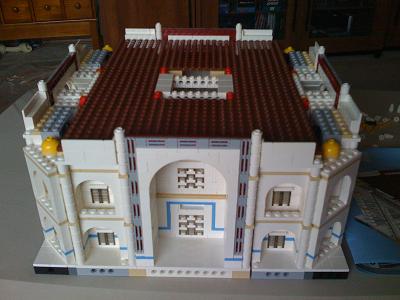
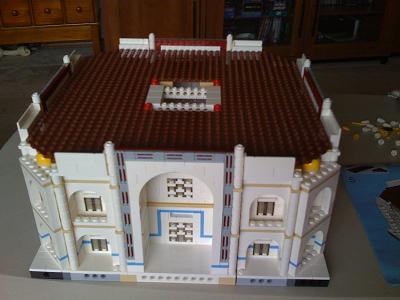
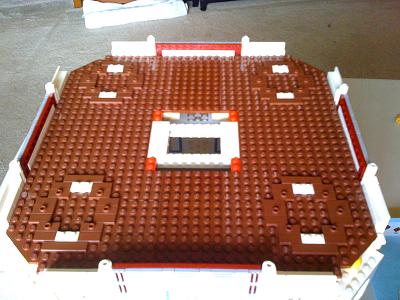
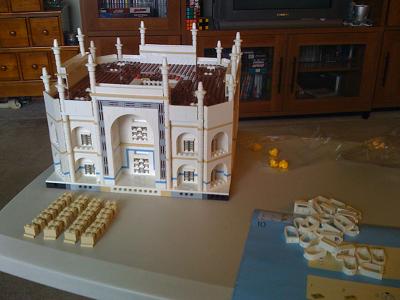
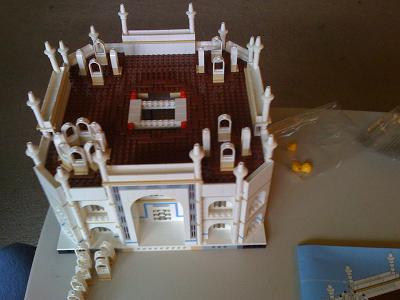
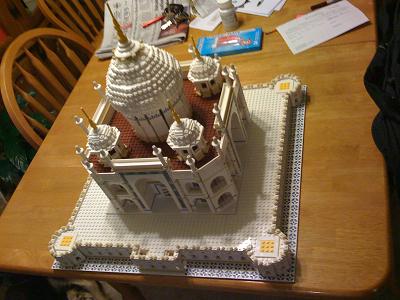
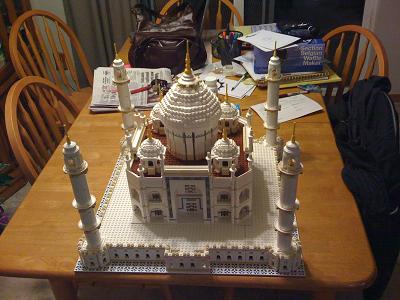
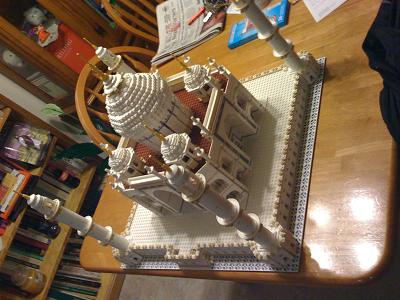
The tenth step is now complete. This step built the roof, installed the dome, and placed the building on the base. This step took about an two hours and 30 minutes to complete.