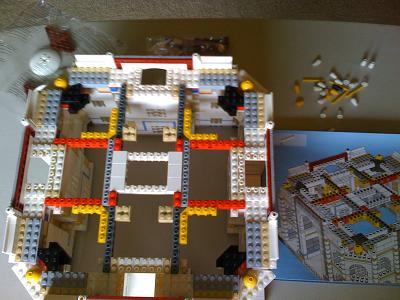
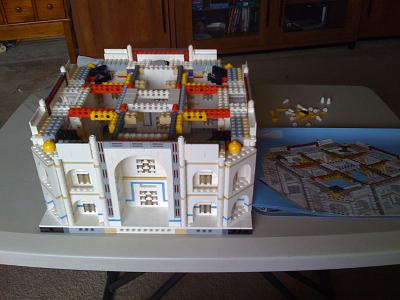
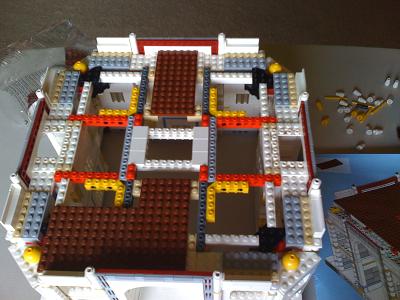
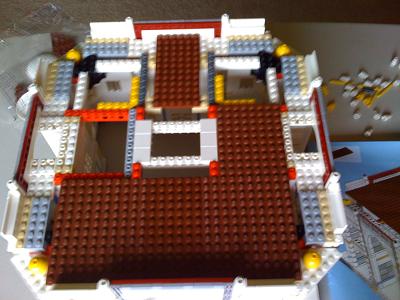
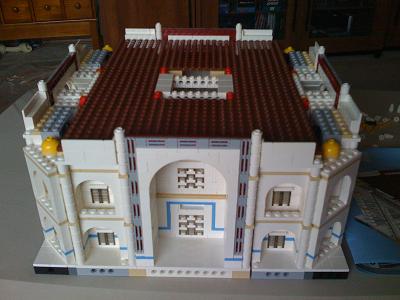
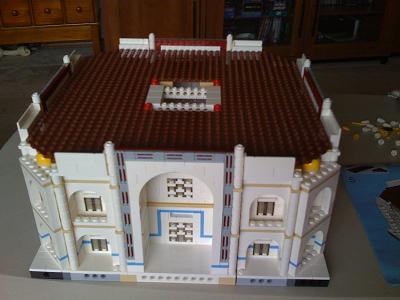
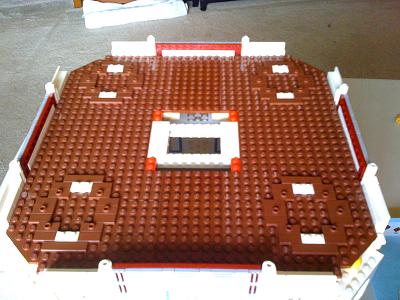
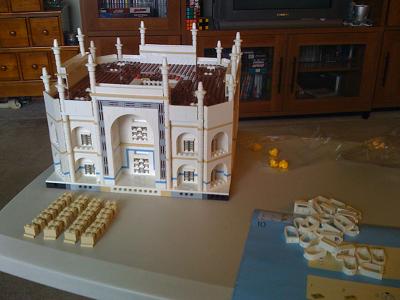
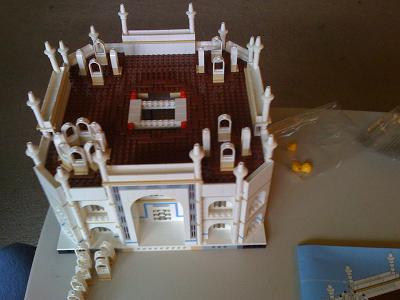
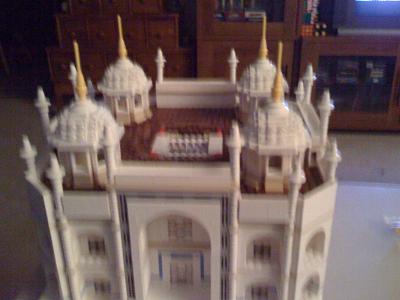
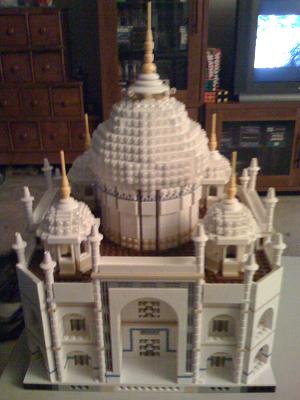
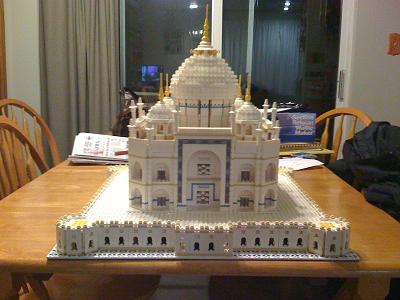
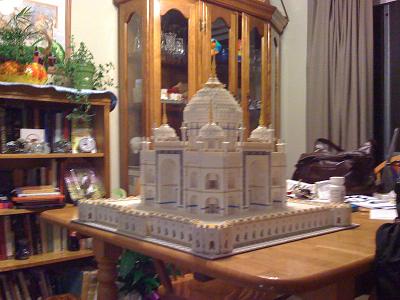
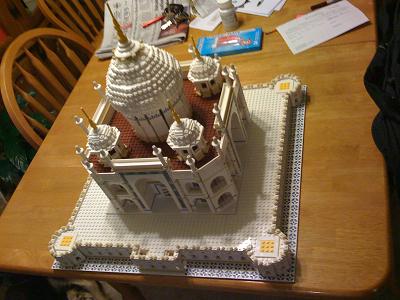
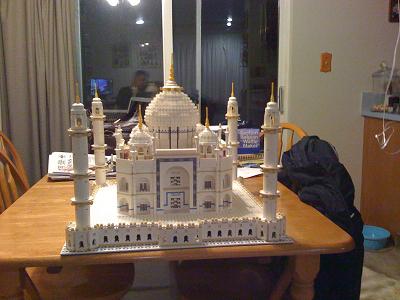
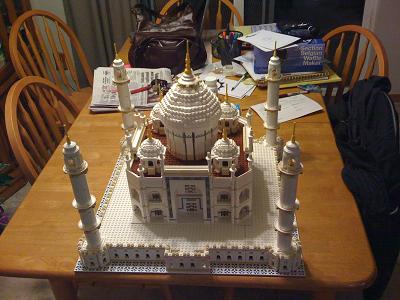
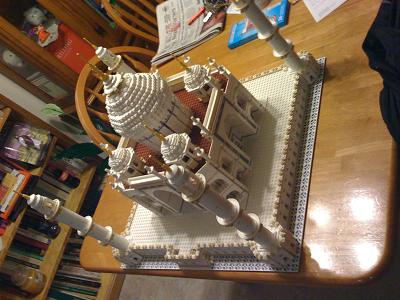
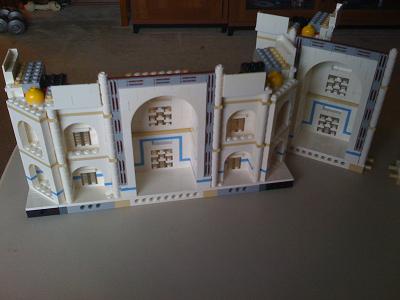
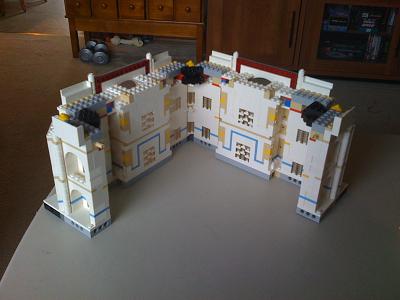
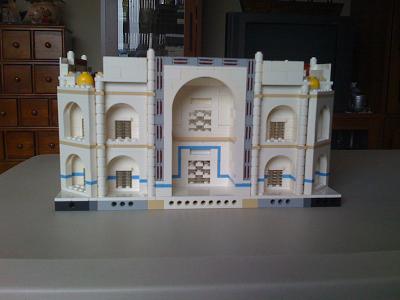
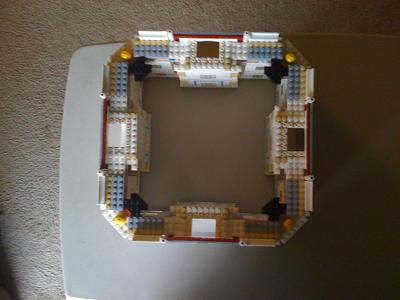
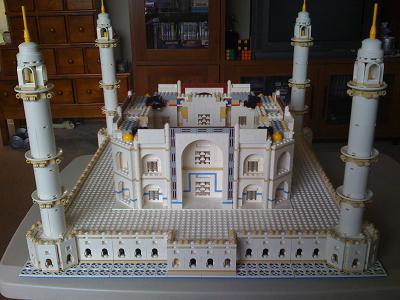
The tenth step is now complete. This step built the roof, installed the dome, and placed the building on the base. This step took about an two hours and 30 minutes to complete.
Fox News had this little gem regarding VP Joe Biden.
No Numeric Addresses?
The headline and teaser text imply that the Vice-President is stupid for refering to the “number” of a web site.
Web sites really are numbers behind the scenes. www.foxnews.com reports several differnt numeric IP addresses (64.209.118.32 and 209.2.148.104 for example). The dotted notation also actually translates to a 32-bit number … but virtually no one actually uses them. The Domain Name System (DNS) translates strings like recovery.gov to the appropriate number for actually moving the traffic to the web site.
To be fair to Fox News, the article behind the headline and teaser does mention that web sites do actually have numeric addresses.
Last night one of the more interesting software development sites, stackoverflow.com, had a problem with a user spamming hundreds of bogus questions into the site.
Fox News is a never-ending source of entertainment. Take today’s leading story (02-19-2009 at 11:45 Pacific) that the wire taps from the Elliot Spitzer call-girl scandal were ordered to be released by a judge.
Play "Taps", Really?
Did Fox News really mean that “Taps” should be played? I don’t think anyone deserving of “Taps” has died. Rather, they probably just were over zealous in abbreviating the word “wiretaps.”
Recently I’ve been battling with my Vista system refusing to go to sleep when it wasn’t being used. When Vista was fist installed it would sleep just fine, but after some unknown period of time and some sequence of events it would stop. This system has been installed four times … the factory original install, two wipe-and-rebuild cycles due to my error in installing older programs that weren’t Vista-compatible, and one time due to failed hardware.
One of the symptoms of the problem was that the system would start to sleep and then immediately wake back up. When it did this it often would cause problems with USB devices (like the all-important keyboard). The system would no longer recognize the USB devices and would have to be power-cycled as a simple reboot would not bring back the affected USB devices.
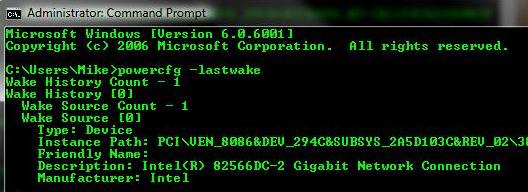
Finding good information on what was causing the problem was difficult. There’s lots of information online. But it is all hard to determine if really applied to the situation. In the last round of searching that I did I discovered that Vista ships with a command-line program, powercfg, that, amoung it’s other capabilities is the capacity to report the event that caused the last “wake” to take place. Opening a command propmpt and running the powercfg -lastwake command reveals the device that caused the event.
powercg -lastwake
I always run an administrative user, so I haven’t checked whether or not this program requires administrative privileges. (I know, it’s bad to run as an administrative user all the time. Such is my life.)
Running the command revealed that the NIC was causing the computer to wake from sleep. That seems strange as I didn’t tell Vista to wake due to NIC activity. I hadn’t installed any programs that would (or should) have changed that. There are no new devices on the network that would have probed the Vista system causing it to wake.
The standard power management configuration application (Control Panel -> Power Options), oddly enough, does NOT have any setting related to allowing activity on the NIC to wake the system.
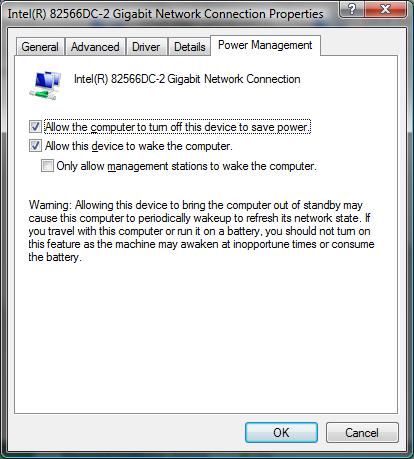
I had to actually bring up the properties dialog for the NIC and disable it there.
Network Power Management
Switch to the Power Mangement tab an uncheck the “Allow this device to wake the computer option.”
Once done, this solved my problem. Hopefully, this will help someone solve a similar problem more quickly.
I’ve been away from this project for a bit while battling a pinched nerve in my neck. It caused pain in my shoulder which makes working on projects like this difficult. The project could also aggravate the problem as well.
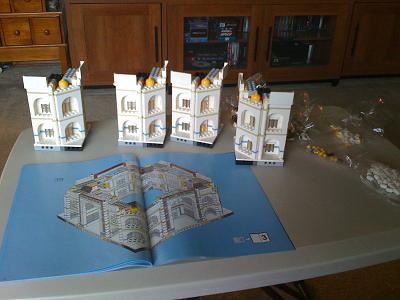
The ninth step is now complete. This step built the corners of the center of the building building.
Taj Mahal - 035
The step took about two hours and 30 minutes to complete.
This step also led to the completion of the building’s walls.
I’m now able to setup the entire base of the Taj Mahal.
Taj Mahal -040
When you see all of these pieces assembled you do really begin to get a sense of just how large the structure is in LEGOs. All that remains now is to complete the roof and place the dome.
Behind the screen you hear the clatter of dice. The Dungeon Master begins to laugh. What do you do?